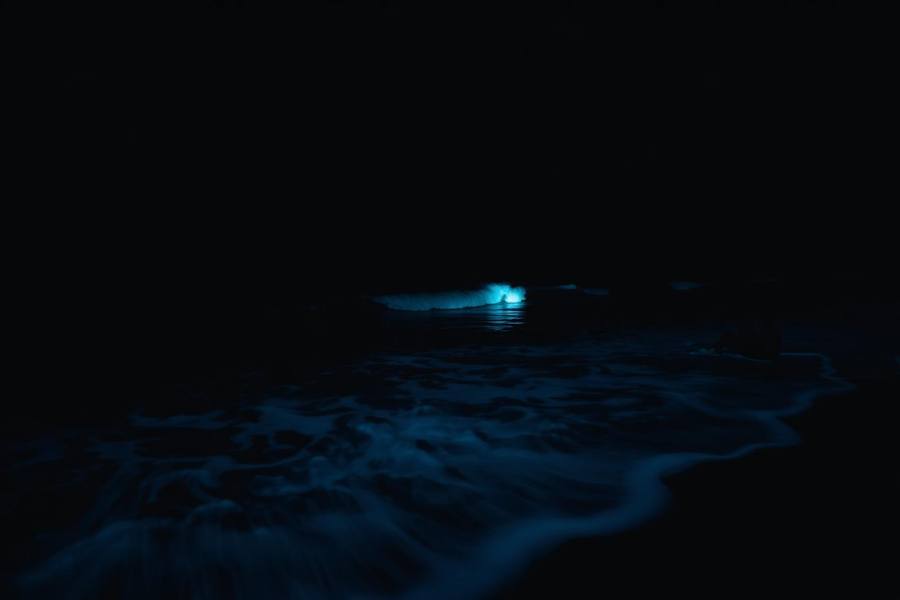
Phone workflow
- Use the main 1× camera, clean the lens and turn flash off. Brace the phone on a tripod or stable dry support above the wash line.
- Try Night mode first; on supported iPhones, hold still until capture finishes. Start with the automatic exposure, then compare a shorter exposure if moving waves become a blue blur.
- Frame a breaking wave and shoot several attempts. If your phone offers exposure control, avoid over-brightening shore lights. Reduce screen brightness between shots.
- Digital zoom and video can make faint glow harder to record. A dark result does not prove there is no bloom; compare several waves before changing settings.